Design your home in the browser — just by talking to it.

Upload an HDB or condo floor plan, then tell StoreySG what you want in plain words. It builds your room at true millimetre scale, keeps 2D and 3D in sync, and exports CAD-ready drawings — no install, no gaming PC.

Runs in any browser — nothing to install · Works offline once loaded (AI & sync need a connection)

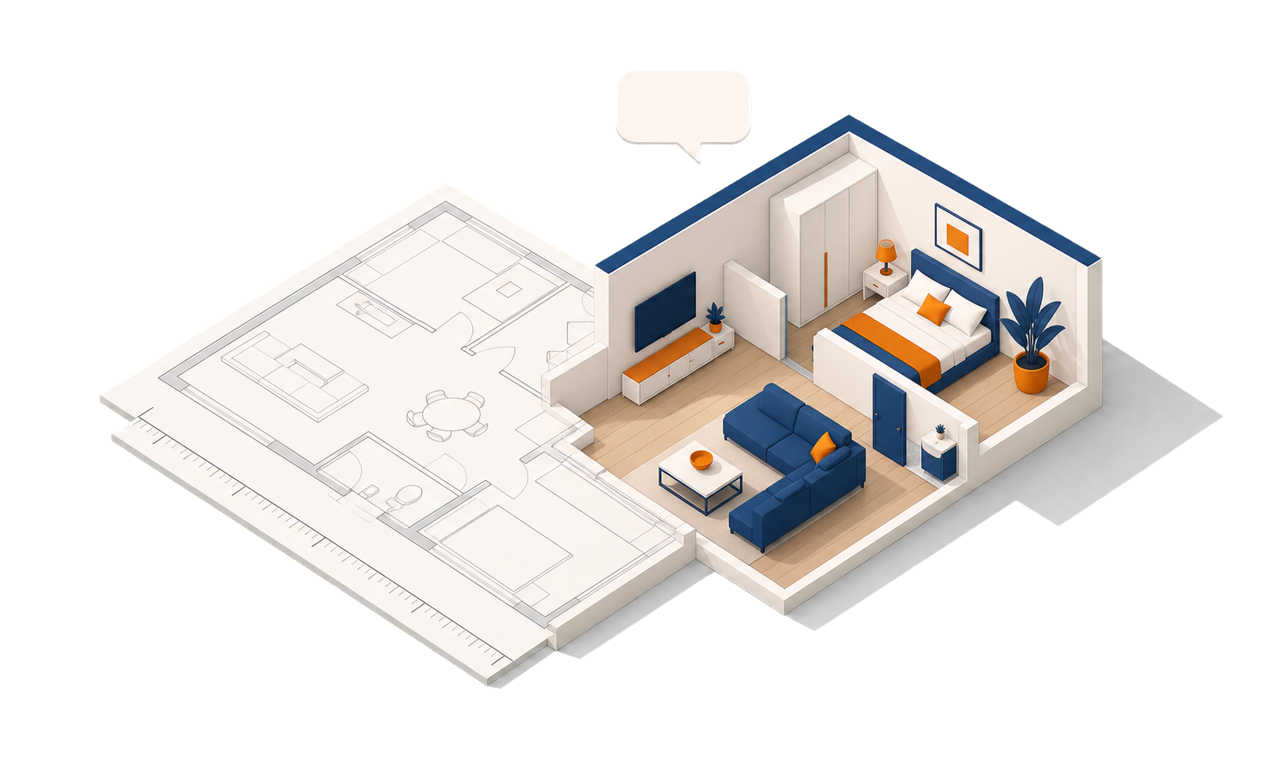
A 2D floor plan transforming into a furnished, real-scale 3D room

What makes StoreySG different

Most design apps make you learn menus and snap furniture onto a generic template. StoreySG works from your real floor plan, understands plain language, and is precise enough to build from.

Design by natural language

Type what you want and the AI makes the change: “Place a bed near the south wall.” “Add a window on wall 0.” “Make the floor warm oak.”

“Natural language” just means everyday words — you talk to it the way you’d tell a person, no design jargon or menus to learn.

Millimetre-true, CAD-ready output

Every wall carries real millimetre dimensions. Export a CAD-ready DXF floor plan that opens in AutoCAD, LibreCAD or QCAD — plus render-ready 3D and a furniture list.

So what you show the client is what actually gets built — not a rough mood board.

Live 2D ↔ 3D

Draw or tweak the 2D plan and the 3D model updates instantly — both stay in sync at true scale. Flip between a top-down plan and a walk-through any time.

Runs in your browser — no gaming PC

The real-scale 3D runs on an ordinary laptop or phone, right in the browser. Nothing to install, and it works offline once loaded.

Modern browsers + AI do the heavy lifting, so you don’t need an expensive graphics card.

Design together, live

Multiple people — and the AI assistant — can edit the same room at the same time, and everyone sees changes instantly. Share one link; it opens on any device.

Build-smart guidance

The Mounting Advisor suggests the right wall anchor for your wall material, so shelves and fixtures go up safely.

Advisory guidance to catch mistakes early — always verify on site.

See it in action

Not mockups — these are real screens and a real screen recording from the StoreySG editor.

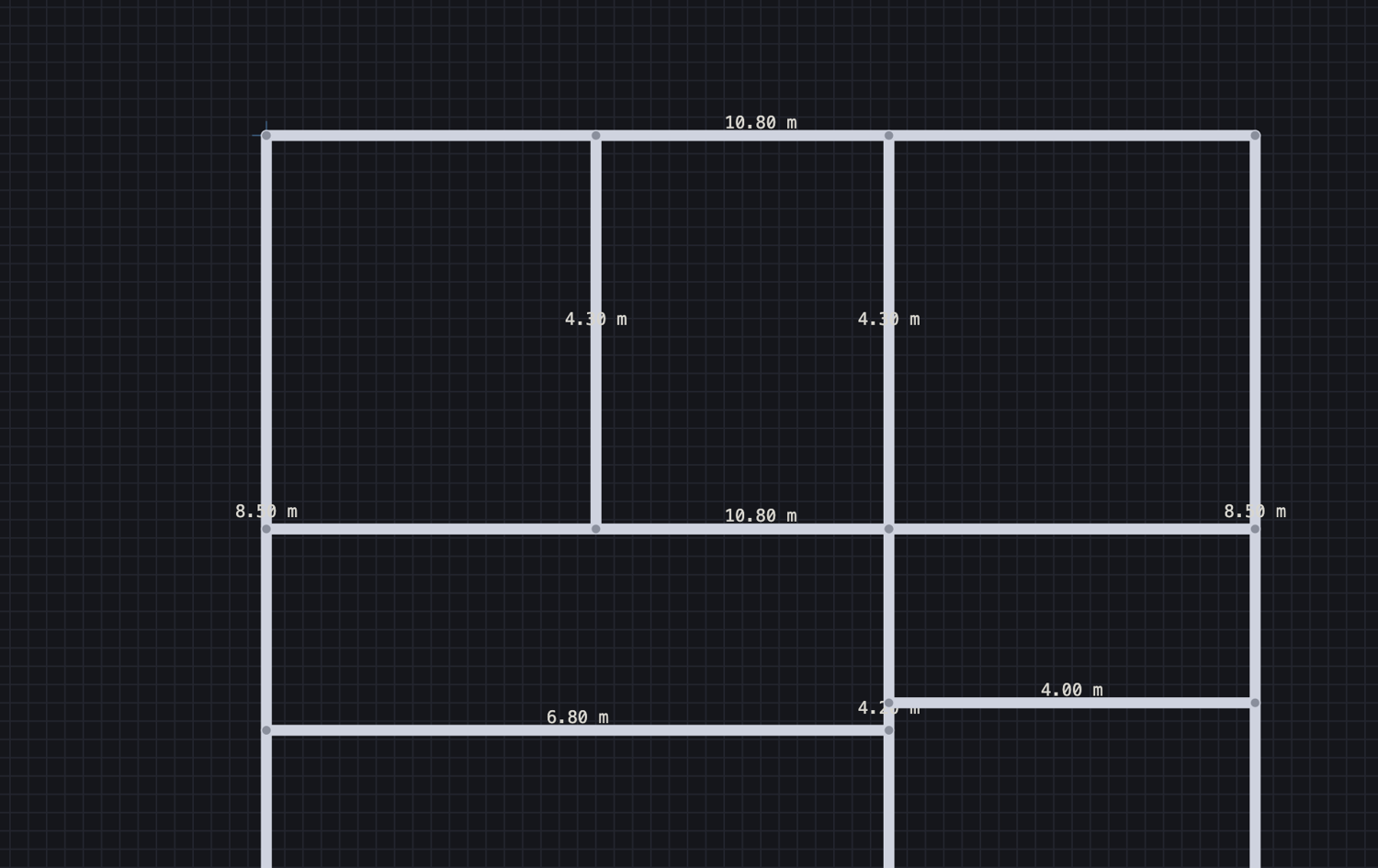
StoreySG 2D floor plan with millimetre dimensions
2D plan, true millimetresTrace your real floor plan; every wall carries real dimensions.
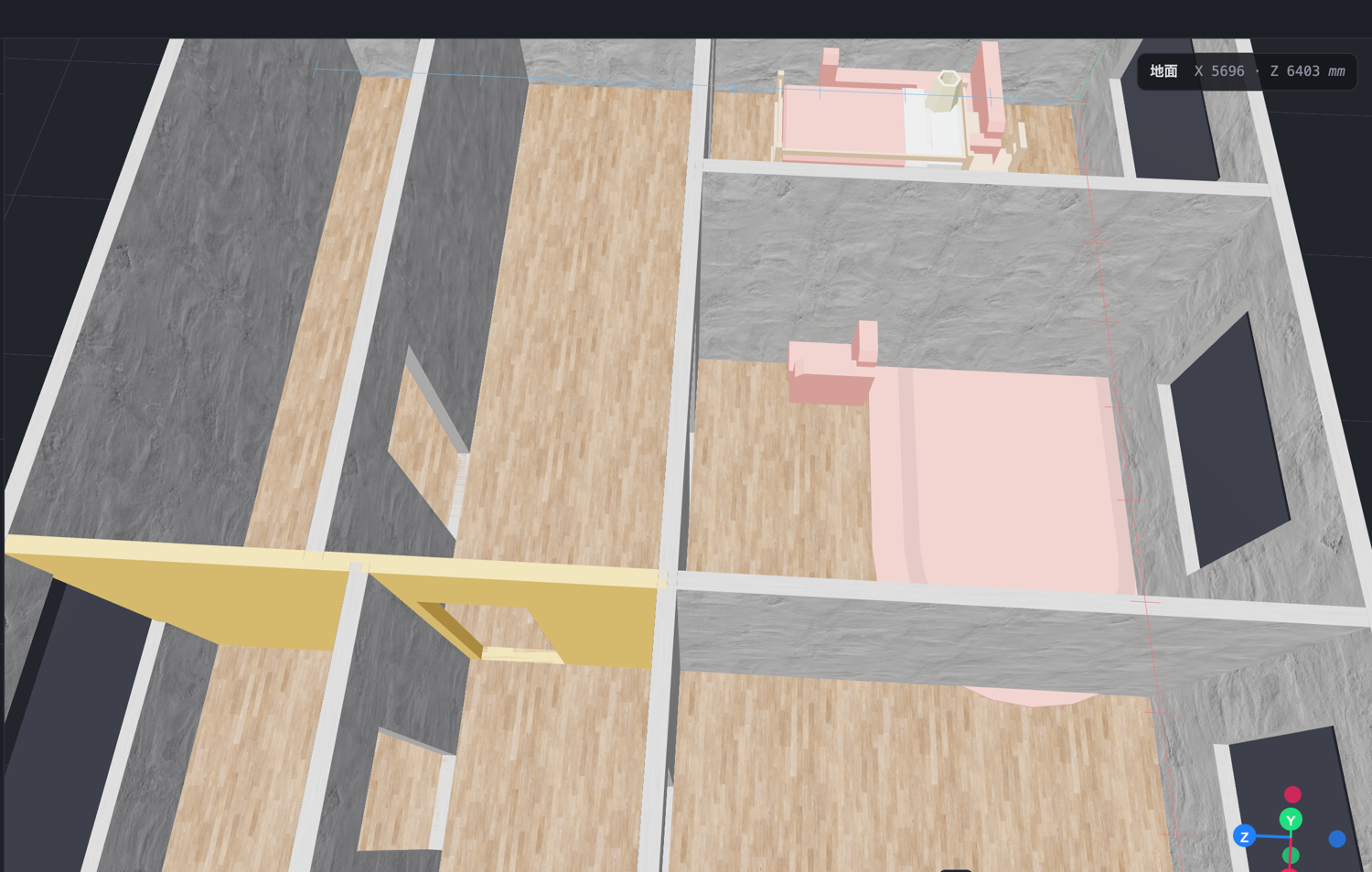
StoreySG real-scale 3D room in the browser
Real-scale 3D, in the browserWalk the room, swap finishes and furniture — all at true scale.
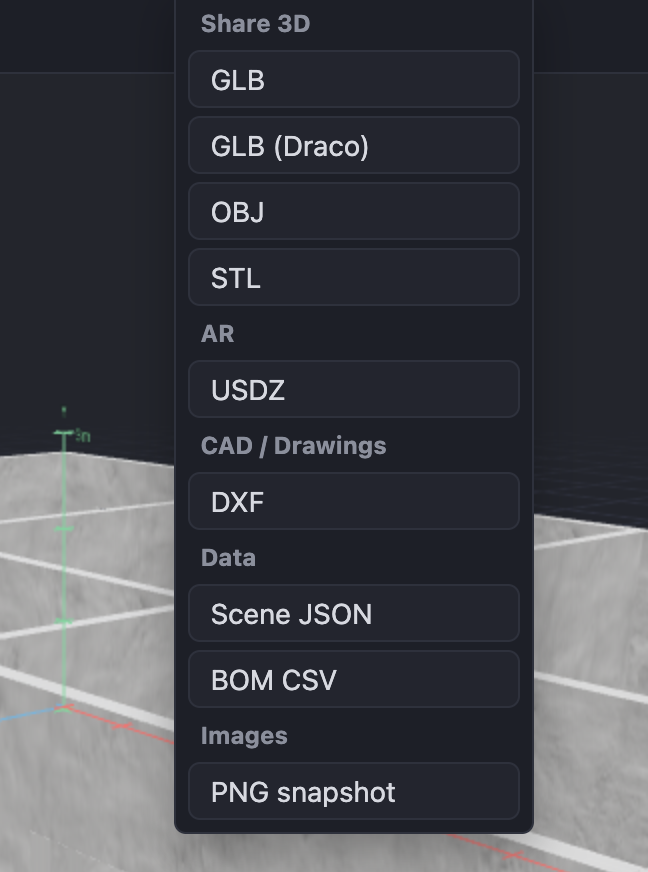
StoreySG export menu showing CAD-ready DXF export
Export CAD-ready DXFOne click to a DXF that opens in AutoCAD, LibreCAD or QCAD.

From plan to presentation in four steps

  1. UploadDrop in a floor plan PDF or image.
  2. Confirm wallsSemi-auto walls at true mm scale; tweak any line.
  3. DesignTalk to it, swap finishes, cut windows & doors, place furniture.
  4. ExportCAD DXF, render-ready GLB / OBJ / STL / USDZ, PNG and a furniture list.

Built for renovation firms & designers

Win the room on the spot

Upload the client's plan and walk them through a 3D of their own home in the first meeting.

Real dimensions, not a mood board

Walls carry true millimetre measurements, so what you show matches what you build — and exports as CAD.

One link, any device

Share a 3D link; clients open it on the phone. Nothing to install, on either side.

Start a project

Learn before you renovate

Honest, practical guides on renovation, materials, home networking and healthy homes — Singapore-aware, useful anywhere.

Browse the guides →